How can we help?
Help with your account access?
Help with offers?
Daily offers renew every 24 hours.
If your program has Premium offers available, they can be used once per year, renewing on the date of your memberships activation.
Dining offers are valid at all times throughout the year, except for a few days known as ‘Optional Days’.
Please refer to the Terms and Conditions.
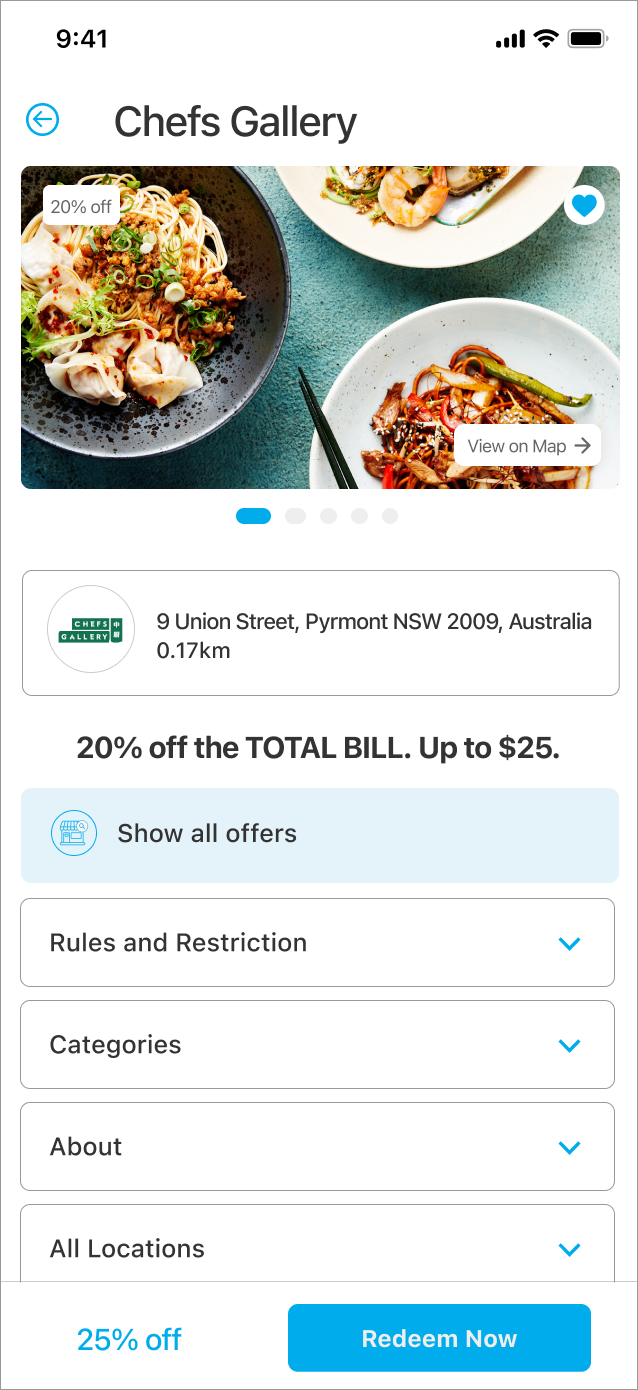
To redeem a deal, simply open the app and tap on the deal that you want to redeem.
The app will show you the terms and conditions of the deal, as well as the steps on how to redeem it. Once you have redeemed the deal, you will be able to enjoy your savings.
Note: At a venue or restaurant?
Select Redeem now when you are ready to pay at sales counter/ register. If you redeem an offer well before payment is made offers will timeout.
Frequent Values offers can be redeemed by 1 of 5 methods:
1. Show and Save
Show and save offers are redeemed instore. A member presents the related offer redemption screen to staff at the time of payment or requesting the bill. The Redemption screen displays the offer and details, along with the Entertainment spinning Crown (recognised by merchants and their staff). The majority of offers in the program are show and save and can be found across most offer categories.
2. QR and Barcode offers
We have recently introduced QR or Barcode redemptions as an alternative for businesses to use in place of the standard show and save option. This allows for a closed loop transaction and reduces wait and retail staff training. The QR and Barcode approach is typical for larger merchants with a consistent POS system roll out.
3. Online offers
These offers are transacted online, such as gift cards and ticket purchases. These transactions are made directly through the business you are purchasing the gift card from or through a third-party gift provider.
4. Promo codes offers
Promo codes are another form of online offers where the user is provided with a discount Promo Code they enter at checkout when transferred to the partner site.
5. eDM offers
These are typically last minute offers or flash sales and are promoted through Solus eDMs. They can either be a secure tokenised link or a link with a related promo to our partners website where the offer is running.
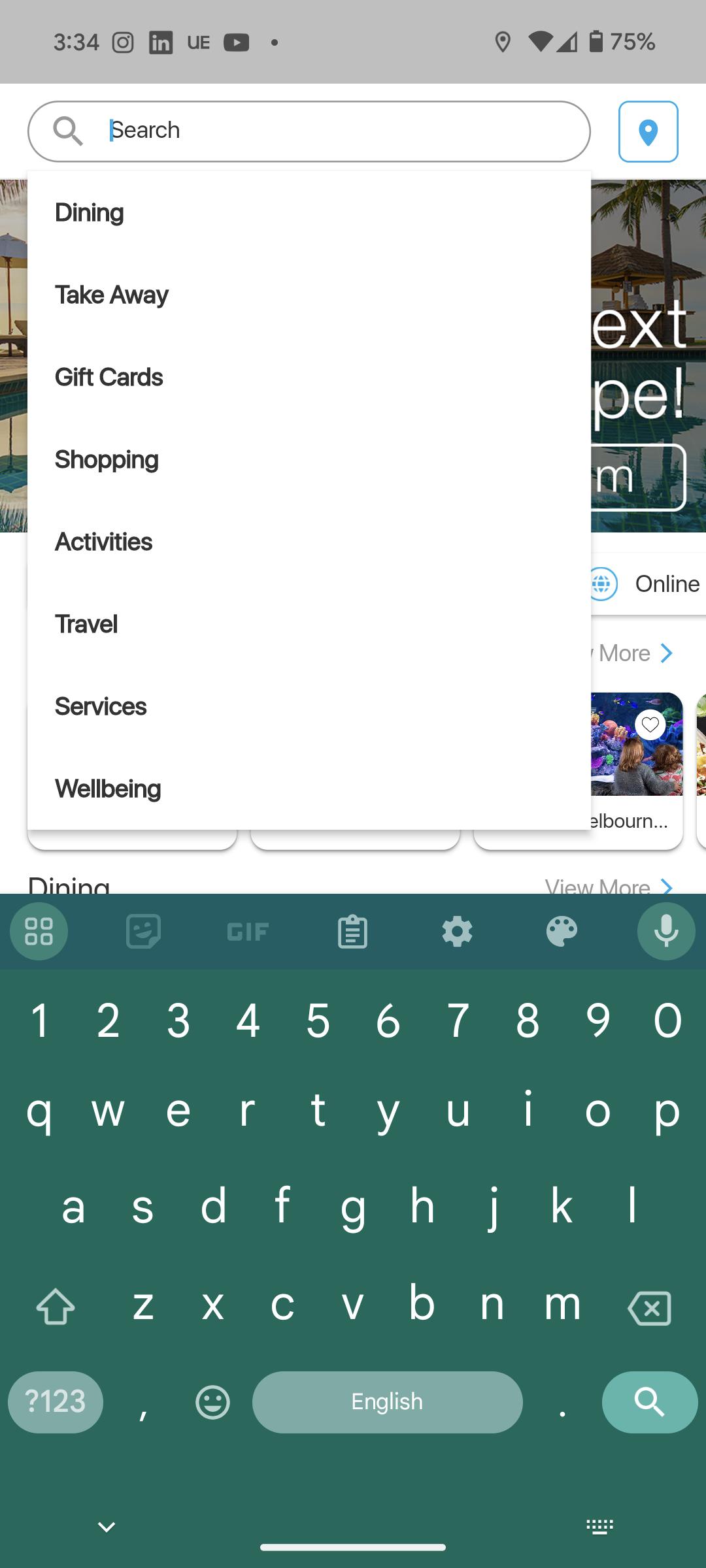
Type in the name of the business you are searching for in
the search bar at the top of the screen.
Here you can also filter offers by
categories, subcategories and offer type.
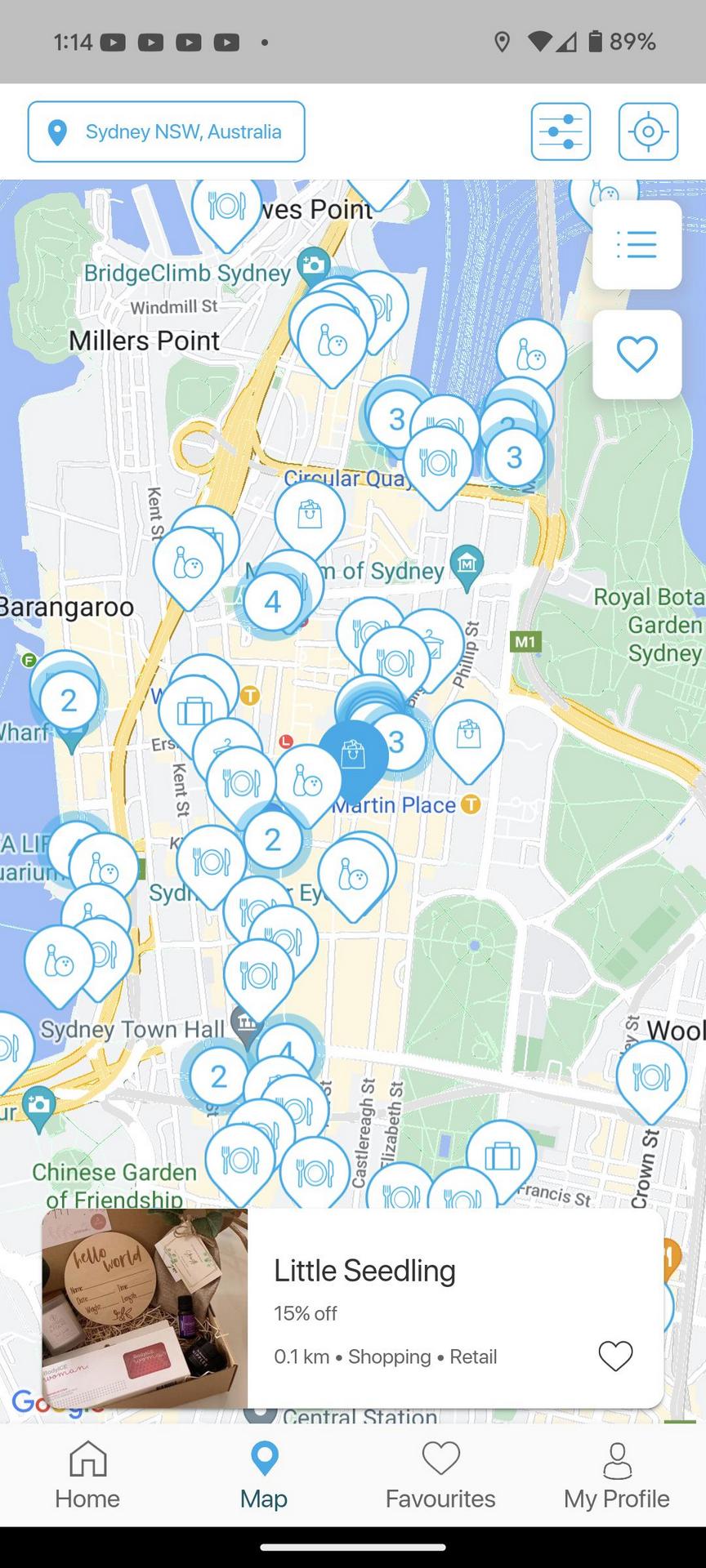
Click on the ‘Choose suburb’ button at the top of the ‘Home’ tab.
Select 'Current Location' to find nearby offers or type in your desired location using the search bar.
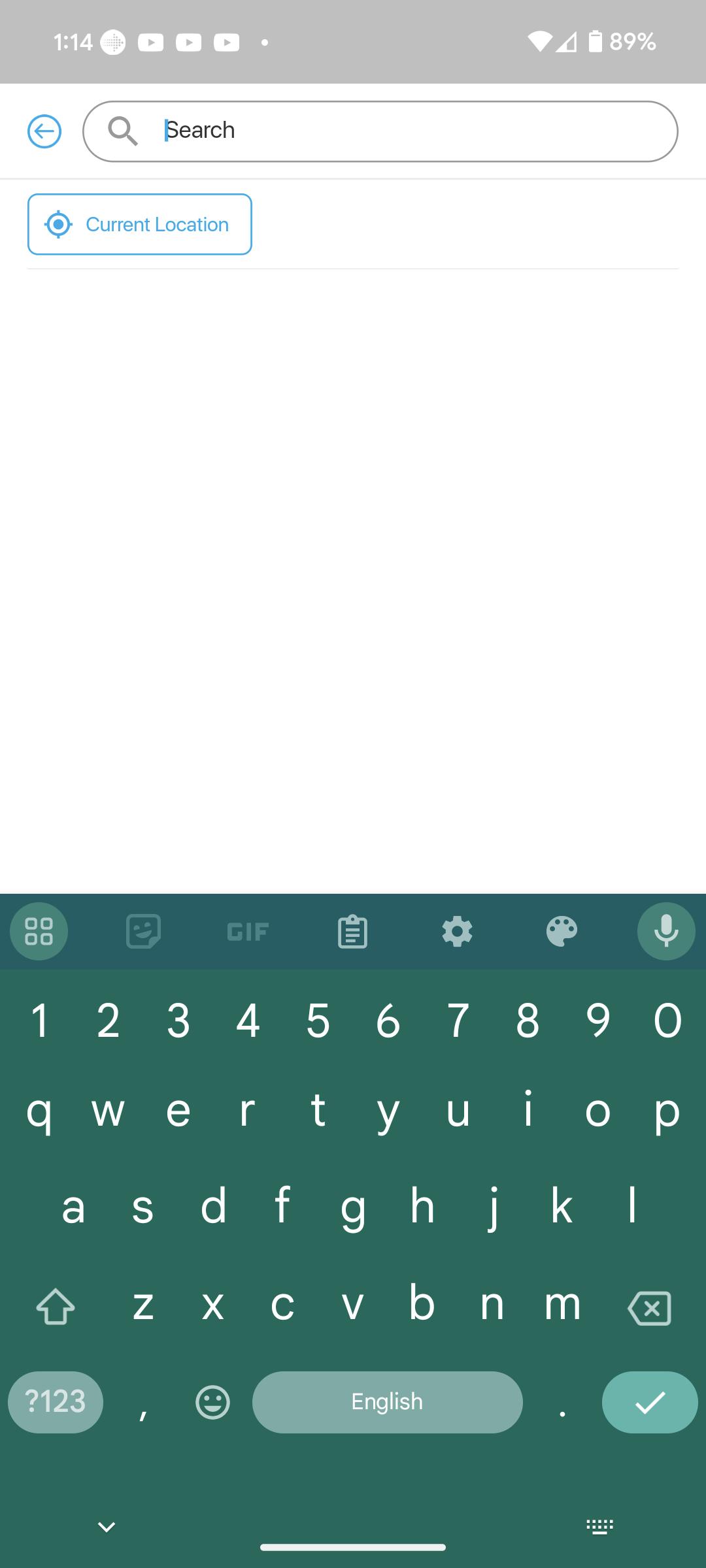
Make sure your location settings are enabled for the App.
Go to the ‘Home’ tab on your App and click the 'Choose suburb’ button, then select ‘Current location’.
Simply present the ‘Redeem Now’ screen for that restaurant on your phone, to the staff member when requesting your bill.
Note: Don’t redeem offers before you arrive at a restaurant as they will timeout. Only redeem offers when you are ready to pay.
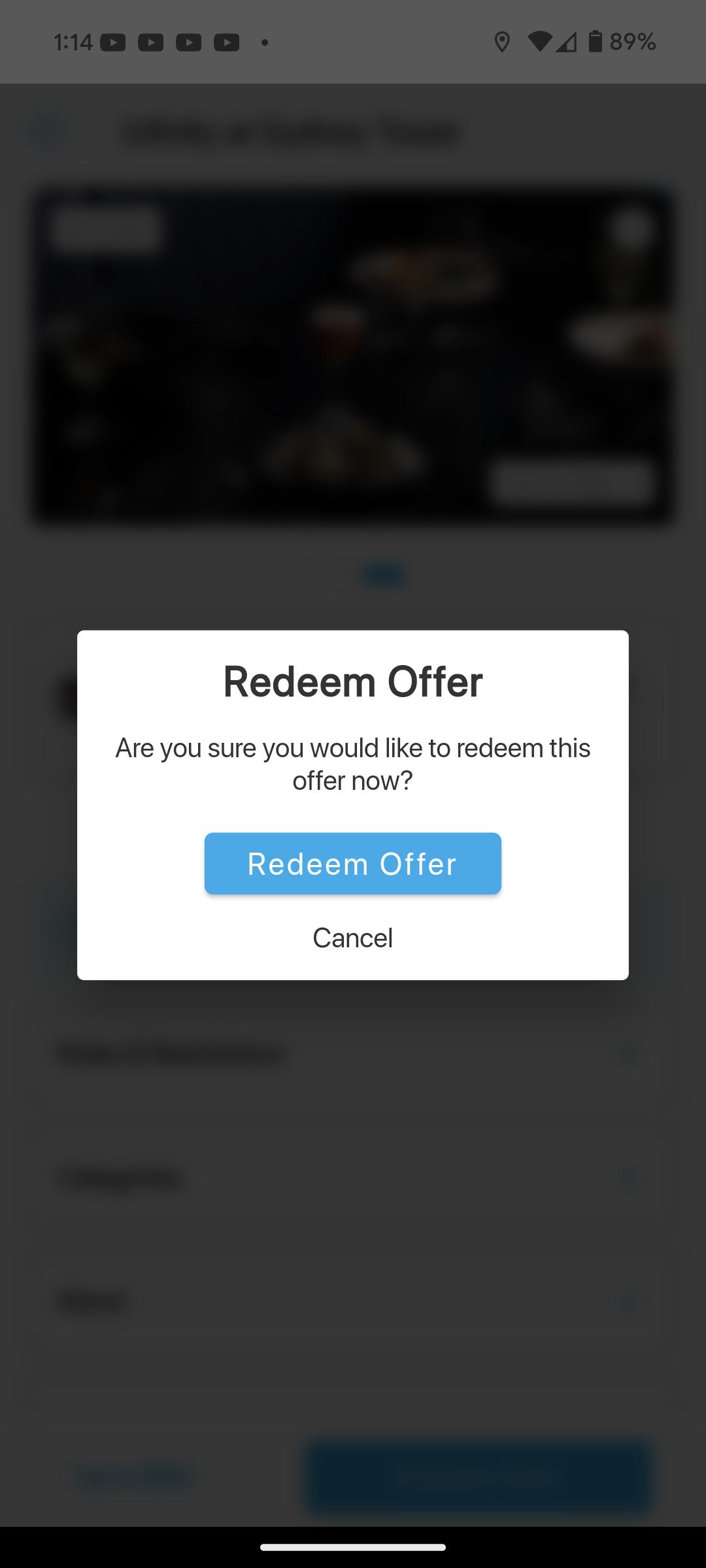
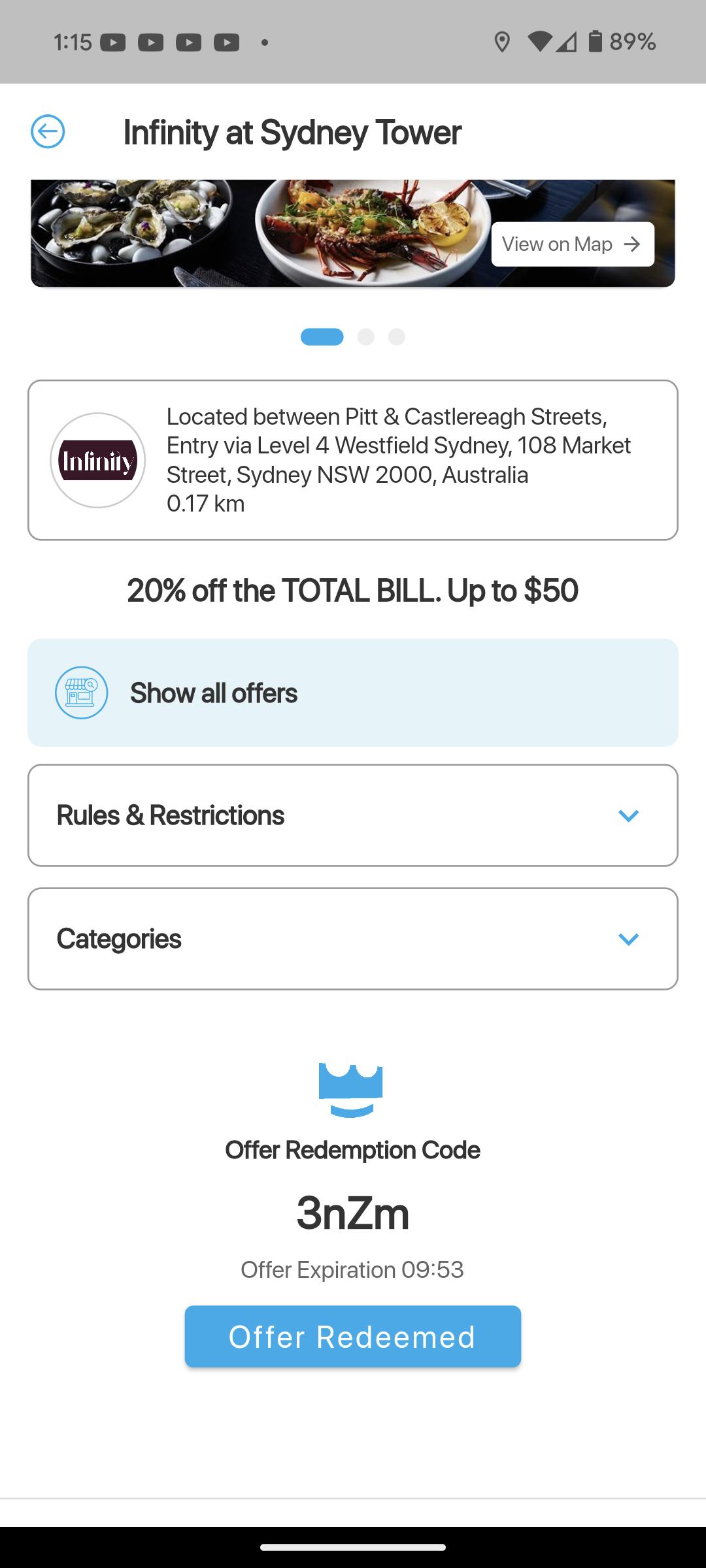
- Click onto your offer.
- Under the ‘Redeem Offer’ button you’ll see ‘View Offer Rules & Restrictions’.
- Click onto ‘View Offer Rules & Restrictions’ to view more details on your offer.
You can add new favourites by clicking the heart button located on the offers, these will all be saved into your favourites list.
Fantastic, we are always looking to grow and improve the program for Members!
Fill in the form to let us know about the businesses and we will see if we can include them.
Or you may email us at support@frequentvalues.com.au.
Fill in the form to let us know about it. We will work to rectify any issues as quickly as possible for you.
Or you may email us at support@frequentvalues.com.au.
All businesses are chosen based on reviews or recommendations. If you feel that a business that you visited was not up to standard, fill in the form to give us your feedback.
Or email us at support@frequentvalues.com.au.